
Seafile
Seafile is your new cloud drive inside My Own Suite. It focuses on one thing and does it really well: private file storage, sync, and sharing. Your files stay in one place, stay available across devices, and stay easy to share when you need to work with other people. If you are coming from Google Drive, Dropbox, OneDrive, or iCloud Drive, this is the familiar kind of experience, just under your control instead.
What it is
Section titled “What it is”Seafile is the place where your files live.
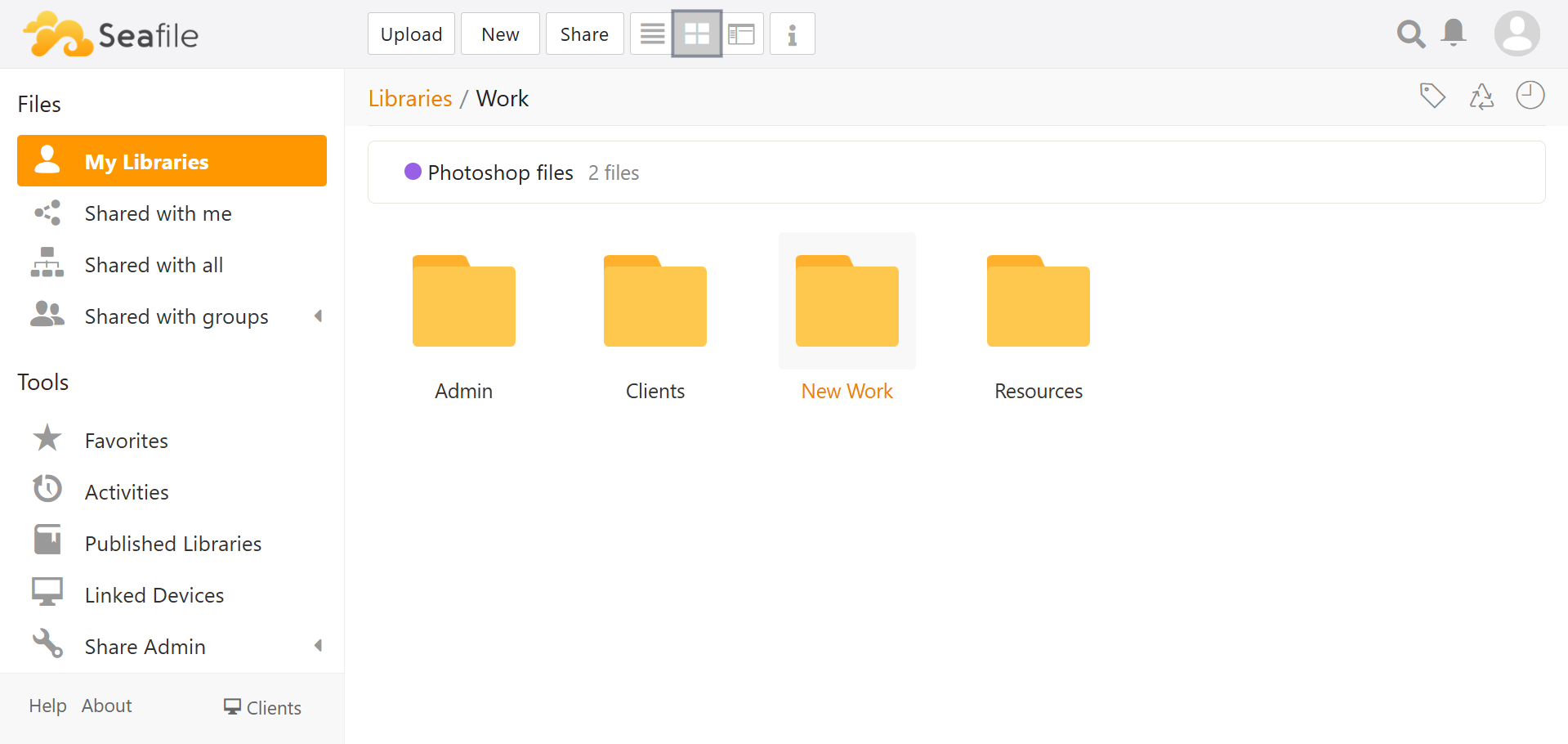
It gives you a private cloud drive where you can keep documents, photos, spreadsheets, PDFs, and everyday work files without scattering them across devices. Open them from the browser, keep them in sync on your computer, access them from your phone, and share them with the people who actually need access.
- one place for your files in your own private cloud
- sync across desktop and mobile when you want files everywhere
- open documents, spreadsheets, and presentations directly in the browser and collaborate on them without downloading first
- file and folder sharing without giving away your entire drive
Seafile is not just where files are stored. It is where they stay organized, where they are shared from, and where the suite hands them off to ONLYOFFICE for editing in the browser.
What makes it a good fit here
Section titled “What makes it a good fit here”Seafile works well in this stack because it stays focused on the file side of the experience.
- it gives you a private cloud drive that feels current and easy to understand
- it works across web, desktop, and mobile, so your files are not locked to one device
- it handles sharing and day-to-day organization cleanly instead of turning the drive into a bloated all-in-one workspace
- it connects naturally to ONLYOFFICE, which is what makes browser-based editing feel like part of one workflow instead of a bolted-on extra
Why it was picked for this stack
Section titled “Why it was picked for this stack”Seafile was picked because it is focused, polished, and built for exactly the kind of workflow this stack is trying to create.
- The team behind it is focused on one job: making a great open source solution for private file sync, sharing, and backup-style day-to-day storage. No unnecessary filler. No trying to be ten products at once.
- It has the kind of modern, solid experience people expect from a cloud drive today. It works across web, desktop, and mobile, and it feels familiar from the start.
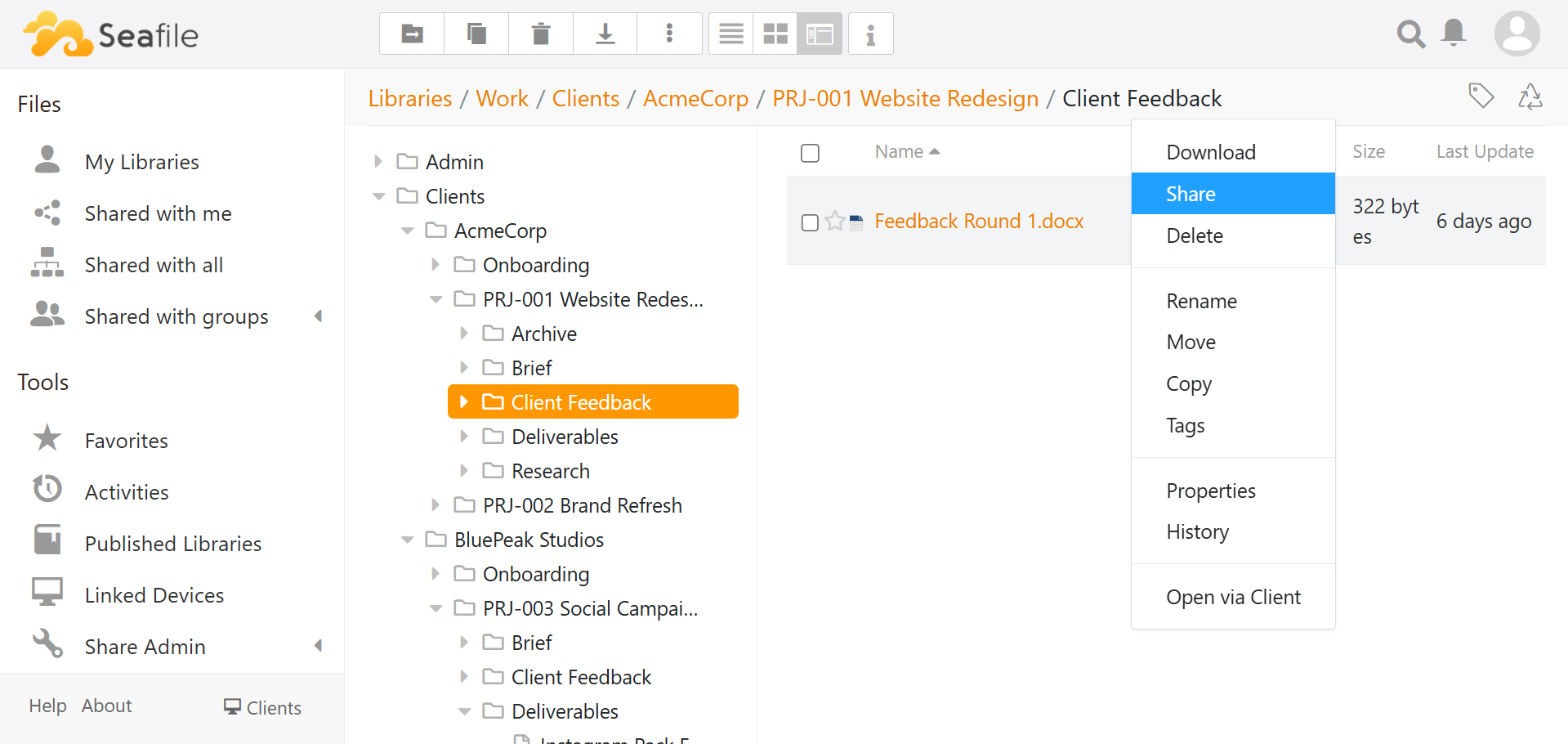
- It integrates naturally with ONLYOFFICE, which is a huge part of the value here. Files live in Seafile, then open directly in the browser when you want to edit documents, spreadsheets, or presentations.
- It is proven. Seafile has been around since 2012, is widely used, and has had years to mature into a dependable product rather than a promising experiment.
That is why it fits this stack so well. It gives you a private cloud drive that feels current, works across platforms, connects cleanly to browser-based editing, and comes with a long track record behind it.
If you want the full story behind why Seafile made the cut for this stack, read Goodbye Google Drive: My self-hosted Drive and Docs replacement.
That article breaks it down even further: what I tested before this, where those setups fell short for this exact workflow, and why Seafile + ONLYOFFICE is the first combination I am actually switching to instead of just evaluating.
Want a quick demo first?
Section titled “Want a quick demo first?”If you want to test the file-sync + browser-editing workflow in isolation before committing to the full suite, you can use the standalone Seafile + ONLYOFFICE Railway template.

That gives you a fast way to try this part of My Own Suite on its own. If you want the full setup, use the main Getting started and deployment guides instead.
Technical reference
Section titled “Technical reference”Environment variables
SEAFILE_MYSQL_DB_HOST: MySQL host for Seafile.SEAFILE_MYSQL_DB_PORT: MySQL port (typically3306).SEAFILE_MYSQL_DB_USER: MySQL application user for Seafile.SEAFILE_MYSQL_DB_PASSWORD: MySQL application user password for Seafile.SEAFILE_MYSQL_DB_CCNET_DB_NAME: Database name for ccnet metadata.SEAFILE_MYSQL_DB_SEAFILE_DB_NAME: Database name for Seafile data metadata.SEAFILE_MYSQL_DB_SEAHUB_DB_NAME: Database name for Seahub web data.INIT_SEAFILE_MYSQL_ROOT_PASSWORD: MySQL root password used for first bootstrap.INIT_SEAFILE_ADMIN_EMAIL: Initial Seafile admin email.INIT_SEAFILE_ADMIN_PASSWORD: Initial Seafile admin password.JWT_PRIVATE_KEY: Required Seafile server JWT signing key.CACHE_PROVIDER: Cache backend (redisin this stack).REDIS_HOST: Valkey/Redis-compatible cache host.REDIS_PORT: Valkey/Redis-compatible cache port.REDIS_PASSWORD: Valkey/Redis-compatible cache password, when auth is enabled.SEAFILE_SERVER_HOSTNAME: Public Seafile hostname (no protocol).SEAFILE_SERVER_PROTOCOL: Public scheme (httporhttps).TIME_ZONE: Container timezone.VERIFY_ONLYOFFICE_CERTIFICATE: Toggle TLS verification for ONLYOFFICE callbacks.ONLYOFFICE_APIJS_URL: ONLYOFFICE Docs API JS URL. Enables ONLYOFFICE integration when set.ONLYOFFICE_FORCE_SAVE: Enables/disables ONLYOFFICE force-save behavior.ONLYOFFICE_INTERNAL_SEAFILE_URL: Internal Seafile URL for ONLYOFFICE server-to-server traffic.ONLYOFFICE_JWT_SECRET: JWT secret for ONLYOFFICE integration when JWT is enabled.- Shared SMTP inputs from
deploy/vps/services/suite-manager/.envwhen enabled:SMTP_ENABLEDSMTP_HOSTSMTP_PORTSMTP_SECURITY(starttls,force_tls, oroff)SMTP_USERNAMESMTP_PASSWORDSMTP_FROM
Volumes and persistence
- Required volume mount:
/shared - Without
/shared, config and runtime state can drift across restarts.
Dependencies and integrations
Requirements:
- Use MySQL
8.x(recommendedmysql:8.0). - Do not update the Seafile MySQL service to MySQL
9.xunless a newer supported Seafile image has been explicitly validated with it. The current Seafile stack still depends onmysql_native_password, and MySQL 9 rejects thedefault-authentication-plugin=mysql_native_passwordstartup option. - Provide a reachable Valkey/Redis-compatible cache server (
host:port). - Mount persistent storage at
/sharedfor Seafile data and config.
Integrations:
- Works with ONLYOFFICE for in-browser document editing.
- Can reuse the shared stack SMTP settings for password resets and share-link email delivery.
Optional SMTP behavior
- SMTP is fully optional and is intended for operators who already have access to an SMTP server.
- When
SMTP_ENABLED=true, the shared SMTP values fromdeploy/vps/services/suite-manager/.envare written intoseahub_settings.pyat container start. - Typical SMTP-backed Seafile features include password reset mail, share-link delivery, and other notification-style emails.
- The canonical setup and troubleshooting guide lives in the dedicated advanced SMTP doc: Optional email with SMTP.
- If mail-related actions appear to hang, Seafile may be waiting on the SMTP server during the live request path.
Customizations in this project
- Entry-point patches
seahub_settings.pywith proxy, ONLYOFFICE, and optional SMTP settings. - Adds runtime patching for ONLYOFFICE internal callback/download URL handling.
- Patch targets are version-sensitive and should be revalidated after Seafile image upgrades.